- Ensure Google Play Games app is installed and fully updated.
 Click here to Install/ Update Google Play Games app
 - Open Bud Farm: 420

- Tap the Phone icon
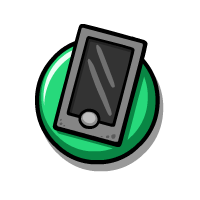
- Tap the Gear icon

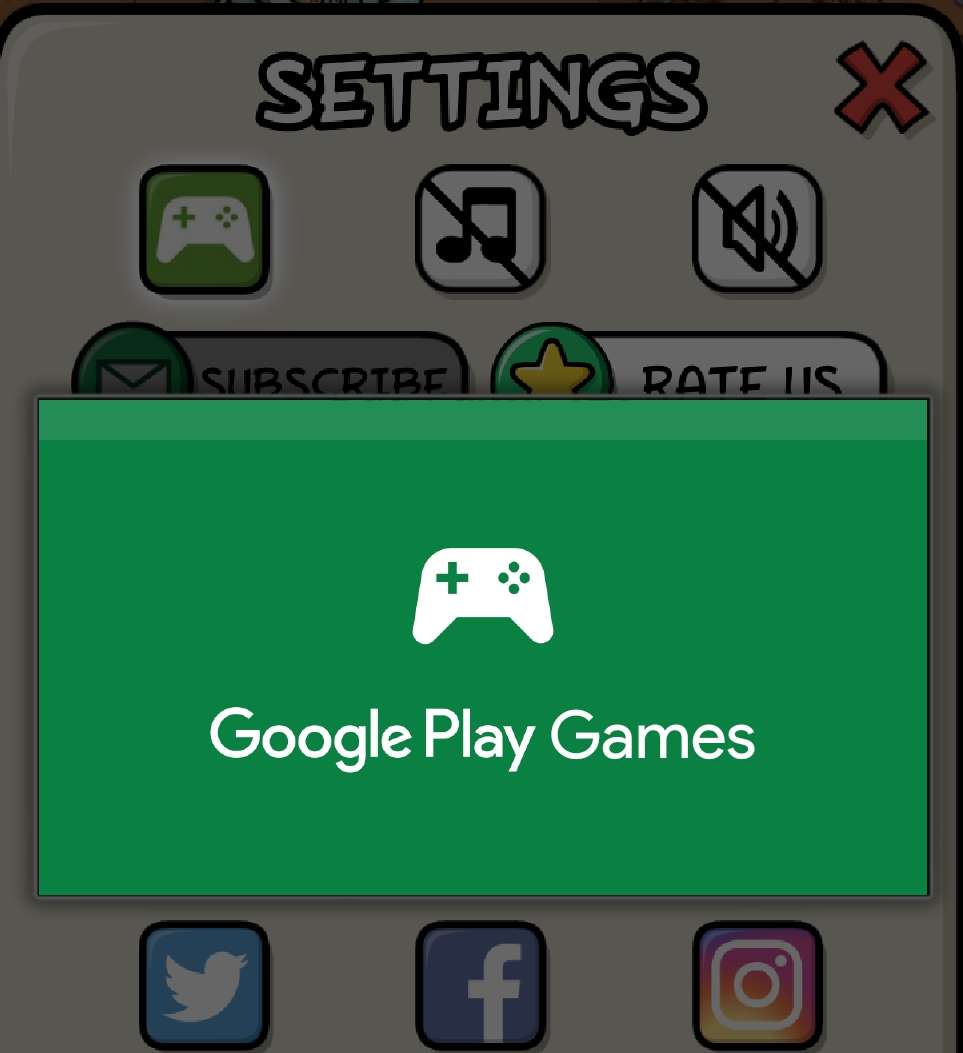
- You will now be in the Settings menu.
 NOTE: If the Controller icon is NOT glowing it means you are already signed in!
- Click on the glowing Controller icon

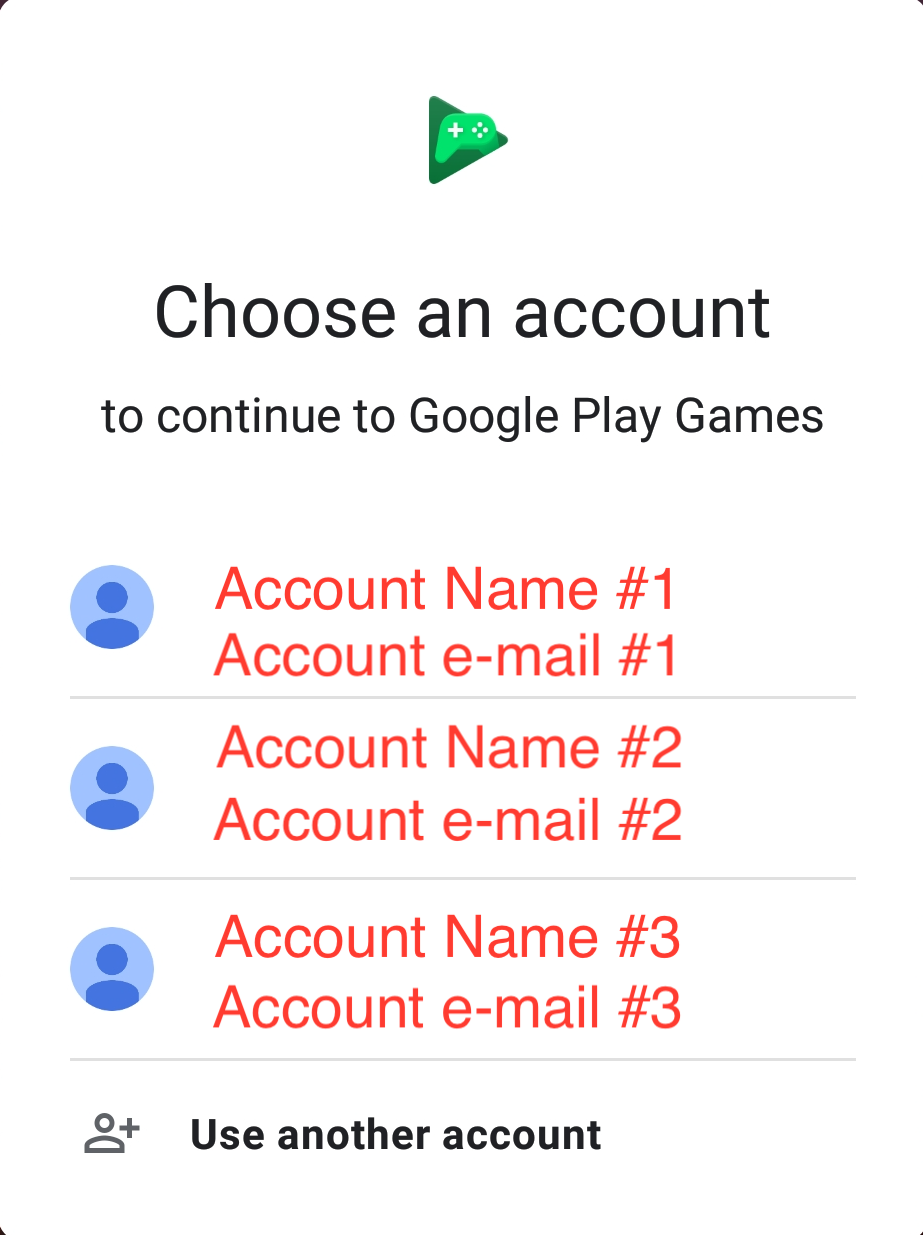
- On the Google Play Games screen that appears click your preferred account and sign in
- You are now signed in! To double check go back to the Settings screen and ensure the Controller icon is NOT glowing.
Have more questions? Submit a request